Backhaul Finder
How to use the Backhaul Finder Feature from the edit sites menu.
The backhaul finder can be found in the edit sites menu for any existing tower site.
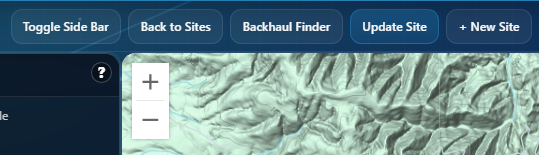
It allows you to see which of your current tower sites would be the best option to connect to for a backhaul.
In step one you'll choose how to set up your radio. You can select from a pre-existing system, or you can define the settings manually.
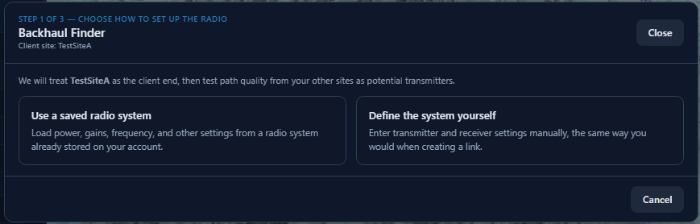
Once that's complete, you can move on to step two and select "Find Best Backhaul Paths".
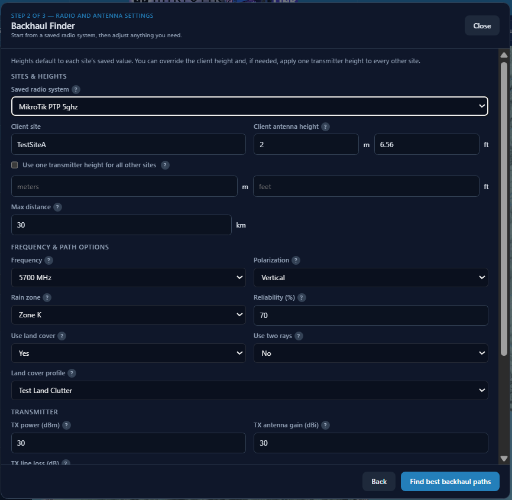
The system will then present you with a list of results for the best potential backhaul paths located near your existing tower.
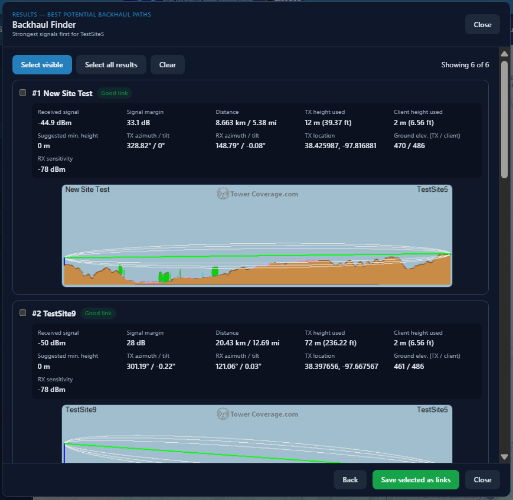
Ten results per page will show for the initial view, but if results exceed 10 listings you can click the view more button to expand the list.
Each location will display a path analysis showing one of three status options: Good Link, Marginal Link, or Link not Likely.
Clicking "Save Selected as Links" will convert selected path results to Point to Point Links viewable from the TowerCoverage Links menu.
"Select All Results" will place a checkmark next to every available path.
"Select Visible" will place a checkmark next to any visible result but will ignore any result past the existing page.
The "Clear" button will clear all selected check boxes.