MyRadar
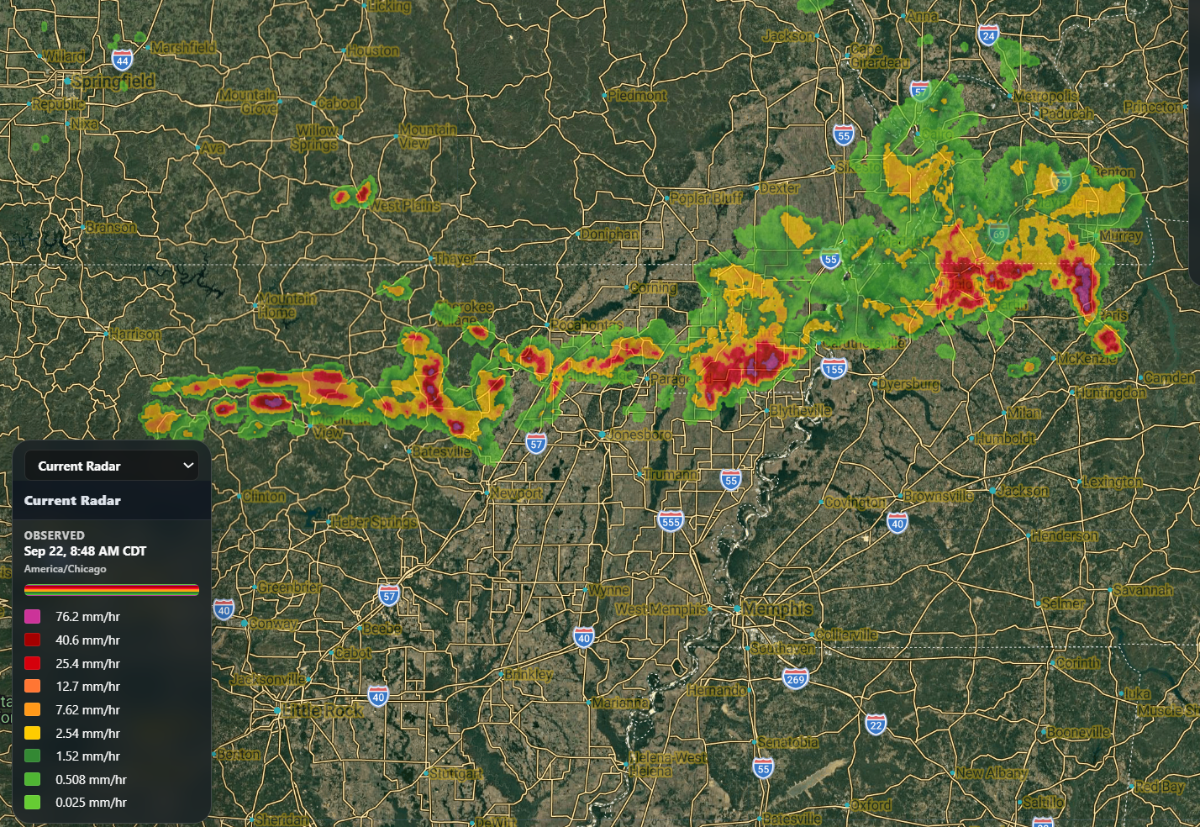
MyRadar enables TowerCoverage users to view a weather radar overlayed on their MultiCoverage.
The button to activate this feature can be found at the top right side of the upper navigation bar on any MultiCoverage.
When you click the button you'll be presented with the radar overlay, and a tool box with a drop-down containing additional view options.
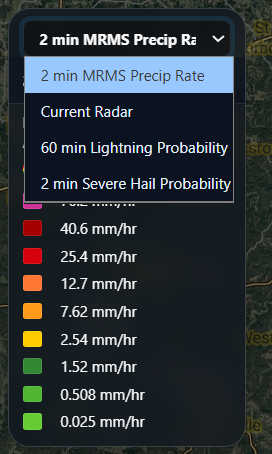
The default view is the 2 Minute MRMS Precipitation rate.
This radar will show the precipitation rate for the last 15 minutes in 2 minute intervals.
Additional options include:
- Current Radar (Which displays the expected precipitation rate for the next 2 hours in 15 minute intervals.)
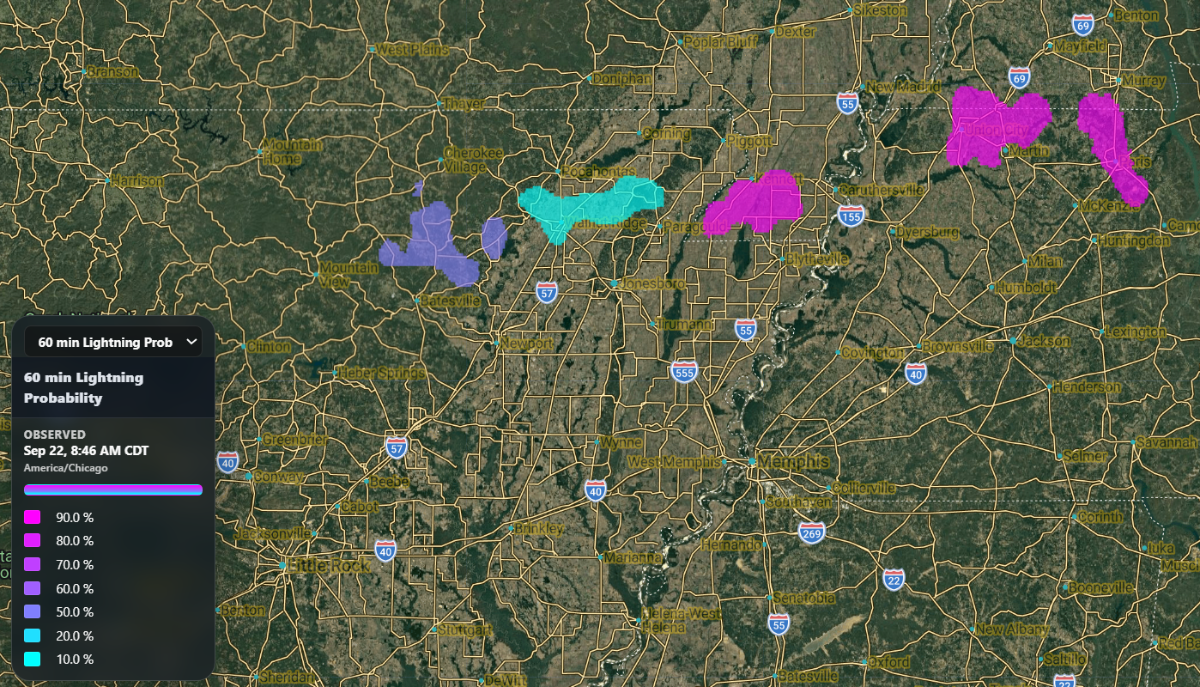
- 60 Minute lightning Probability
- 2 Minute Severe Hail Probability
Accounts Tier 3 and Above
MyRadar will automatically refresh according to the zoom level, time, and position of the map automatically.
Anything below these tiers will not include a time lapse or automatic refresh. If the zoom level or position of the map is changed, users would need to reset the radar manually to get an updated view.
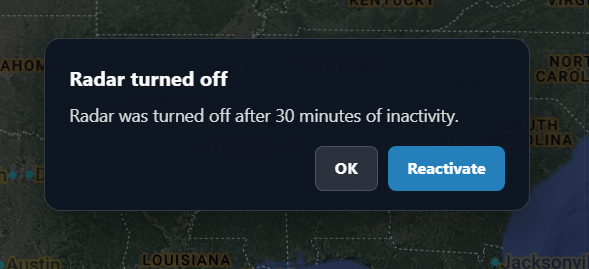
If a MultiCoverage is left open with MyRadar running, it will disable the feature after 30 minutes of inactivity, with the option left open to reactivate the feature whenever you need to use it again.