Bulk Coverage Updates
Making Bulk Updates to Existing Coverages
There may be an instance where you need to make changes to existing coverages. The option to do this in bulk is available from a Coverage List as well as when Updating a Multi Map through "Bulk Update Included Coverages."
With our Bulk Coverage Update Feature
- You can select specific coverages to update or you can select a set of parameters to create a list of coverages to update.
- You can Download a CSV of all the Coverages in your account, or you can download a CSV of selected coverages.
- Coverages can then be bulk updated either through the TowerCoverage interface manually, or you can upload a CSV containing your changes.
- Bulk updates for certain parameters can be applied to multiple coverages at once.
- Individual edits can be made and saved per coverage, submitting the changes in bulk once the edits are complete.
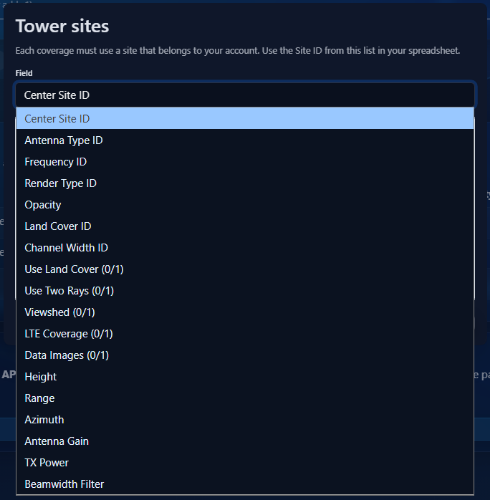
- A modal of Valid Values has been added to assist with coverage edits. This functions as a reference point for things like clutter sets which are assigned a numerical value rather than being input as a string.
Option 1
If you download a CSV, you can download either a set of selected coverages or your entire coverage database. You can then make edits to that CSV and upload it back into the system. Click the Bulk Update button on your coverage list to access the interface. Do it with coverages selected to download that specific selection.
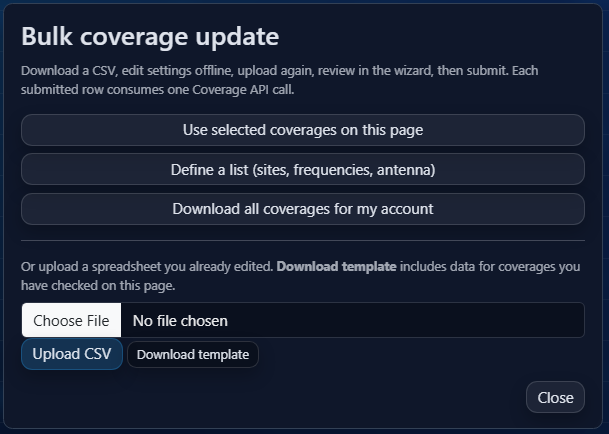
Option 2
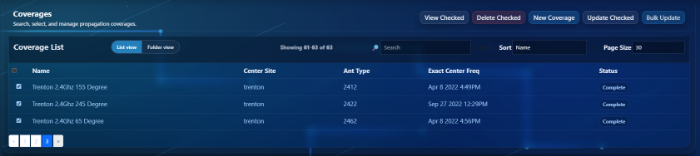
From your coverage list, select the coverages you would like to update and then click update checked.
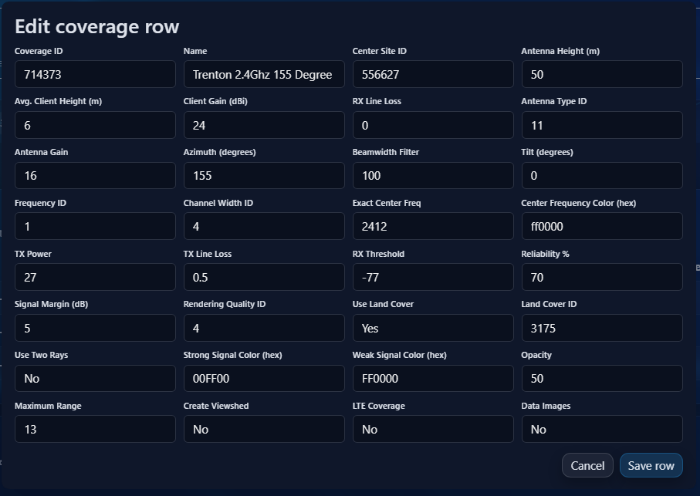
This will take you to the edit screen where you can select some options. Here you can edit individual rows, or apply bulk changes to the entire set.
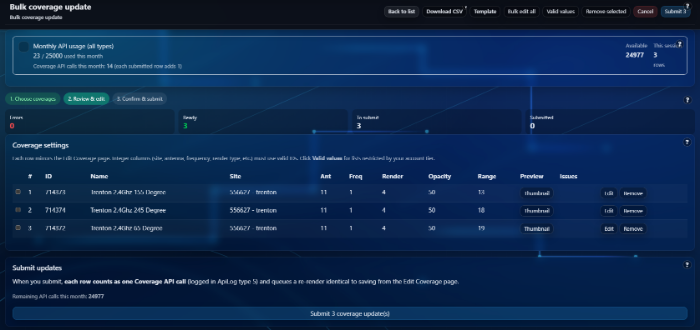
See the "Bulk Edit All" Button to apply bulk changes to the entire set. Else use the edit button to make individual changes.
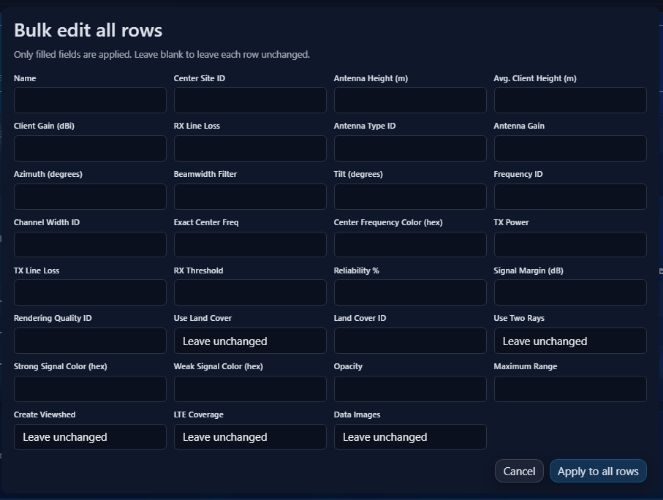
See Below for an example of the interface for editing individual coverages without applying it to every coverage selected.
Valid Values contains several sections to choose from. Each section contains the codes applicable to make changes to your coverages based on settings for your specific account.